

Latest Version
FinalWire
Tools
Windows
Free
9nblggh2wnwh
Report a Problem
More About AIDA64
An Inside Look at Your System Hardware
When you need to understand exactly what is happening under the hood of your device, the AIDA64 system diagnostics utility offers an unparalleled level of detail. Instead of guessing your hardware specifications or navigating through buried system menus, this application aggregates your entire system profile into a single, clean interface. It behaves like a digital magnifying glass, translating complex hardware architecture into readable, structured data for everyday users and IT professionals alike.
Comprehensive Diagnostics at Your Fingertips
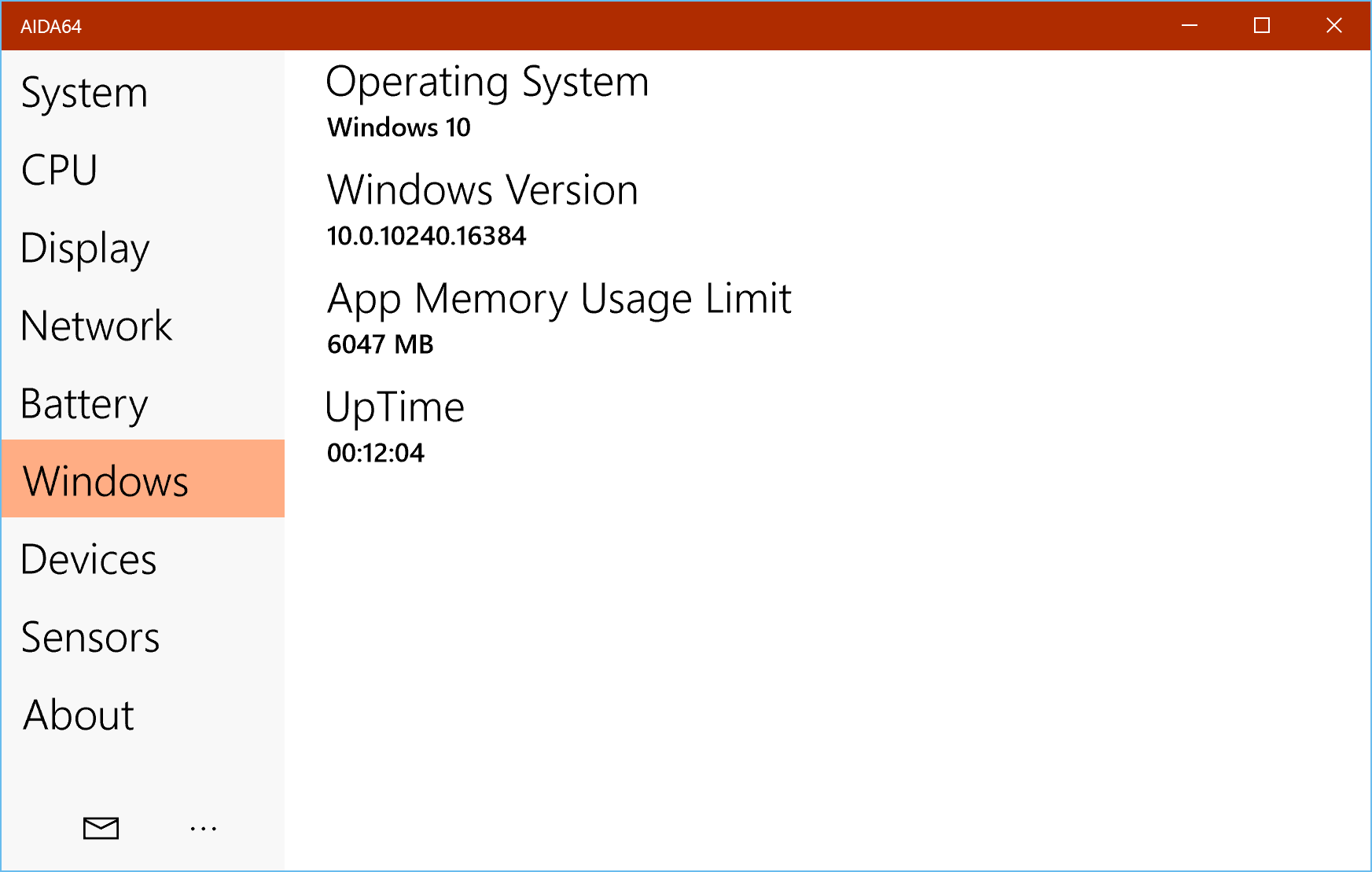
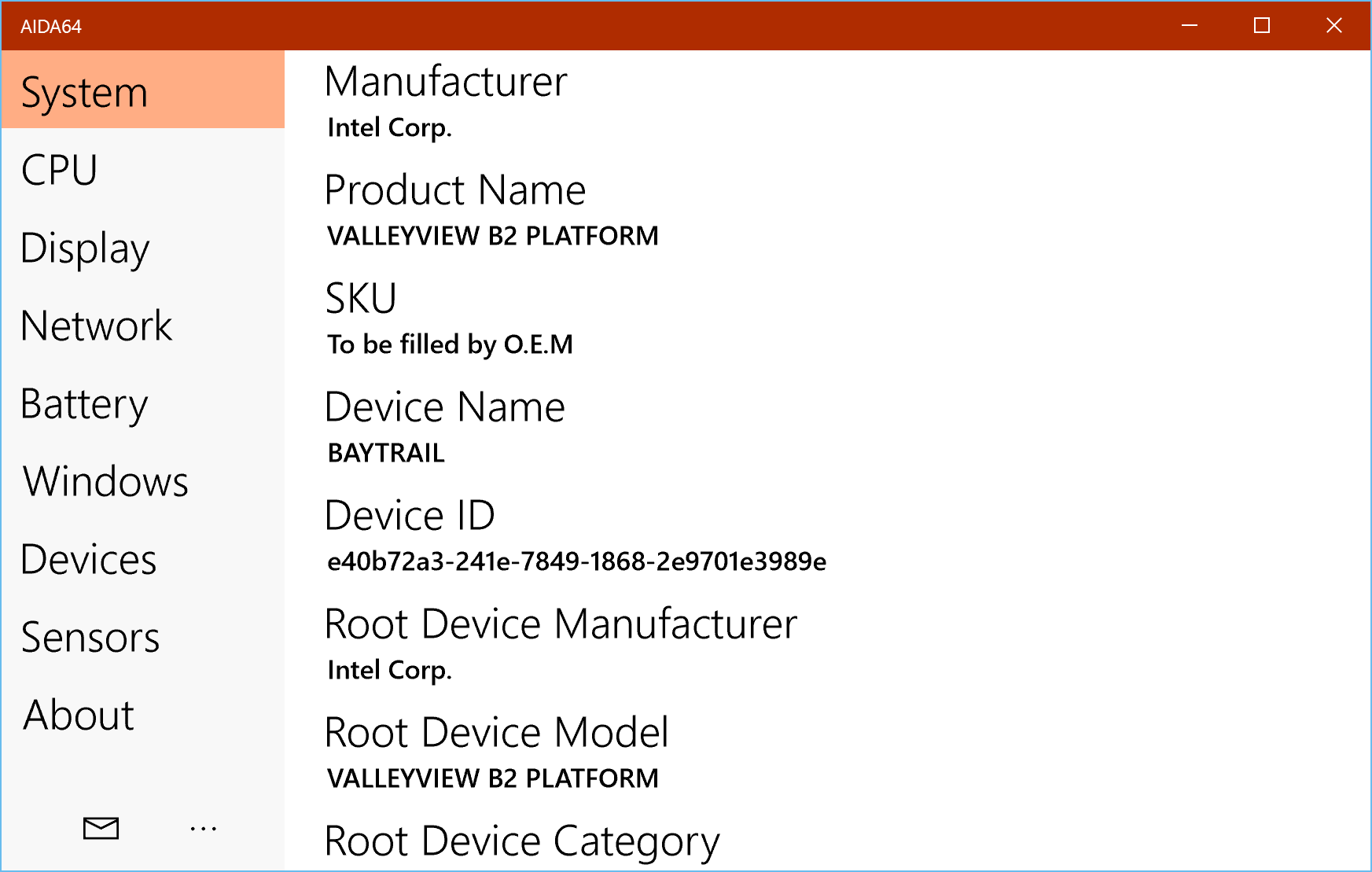
Navigating the application reveals just how deep its detection capabilities go. Drawing from the legacy of its robust desktop predecessor, this version brings sophisticated monitoring tools directly to your Windows 10 environment. Here is what you can inspect with a few clicks:
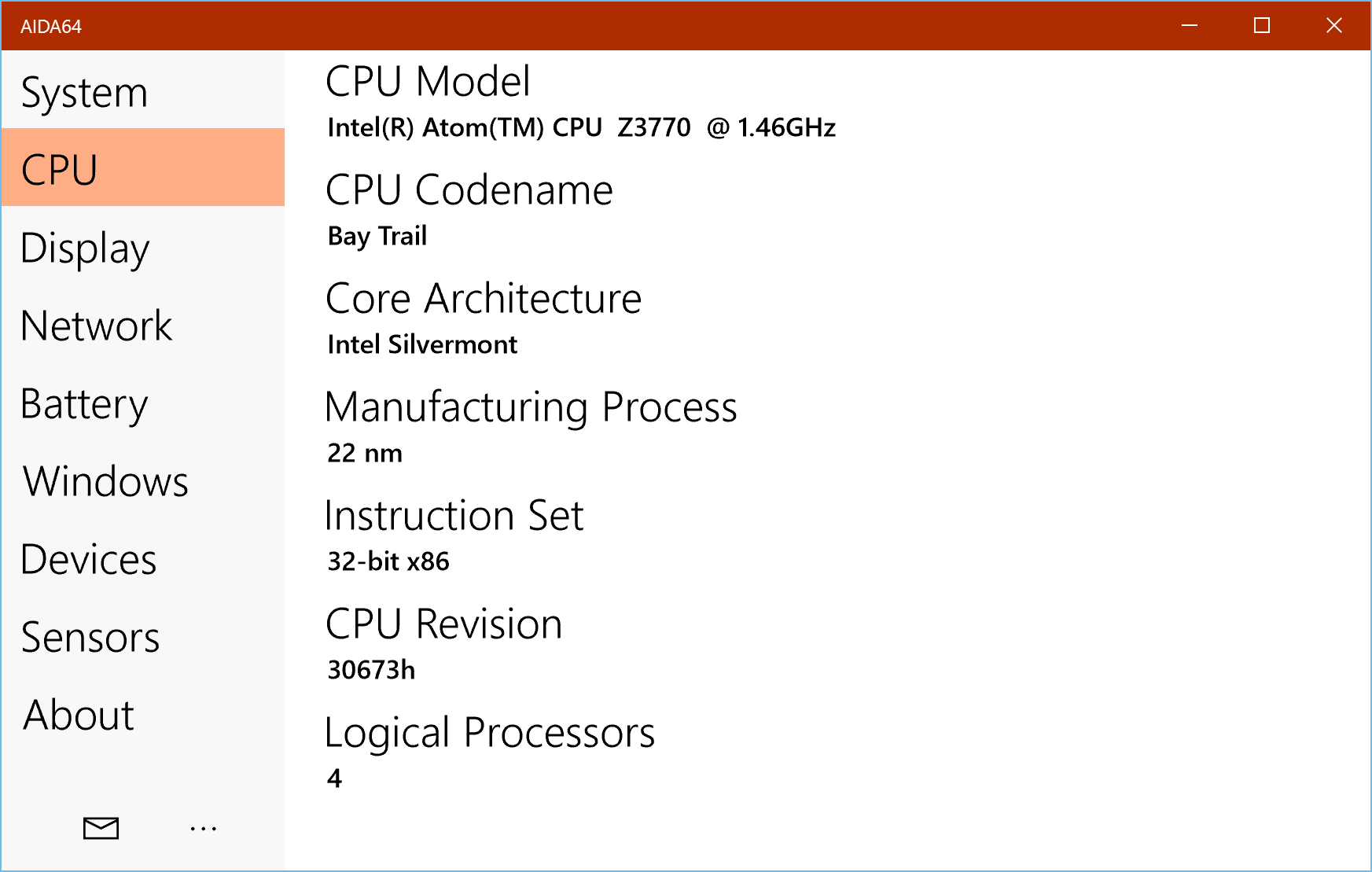
- Processor & Chipset Identification: Instantly detect your CPU model, core configuration, and SoC specifications.
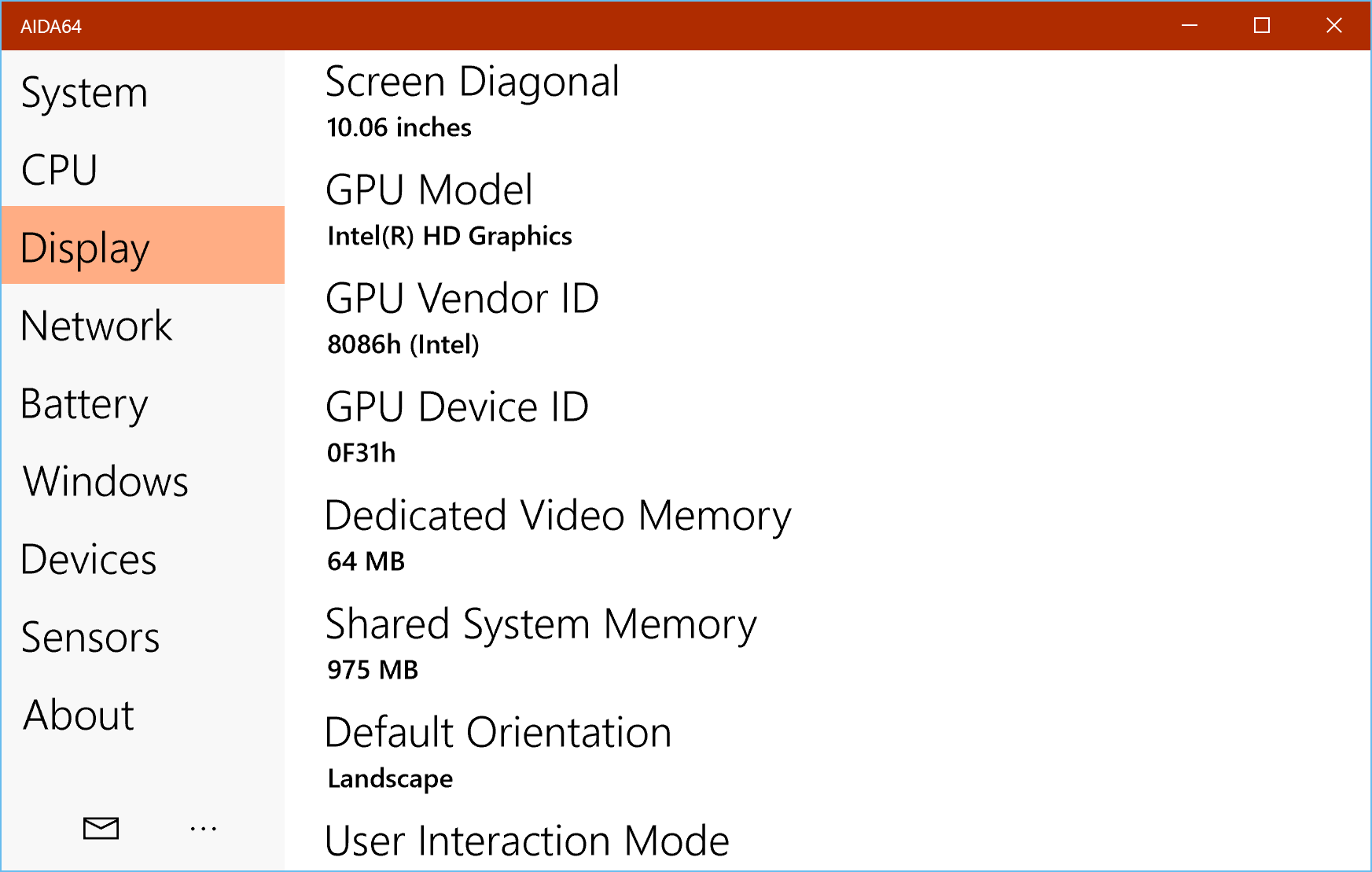
- Display & Camera Metrics: View precise screen dimensions, pixel density, and integrated camera resolutions.
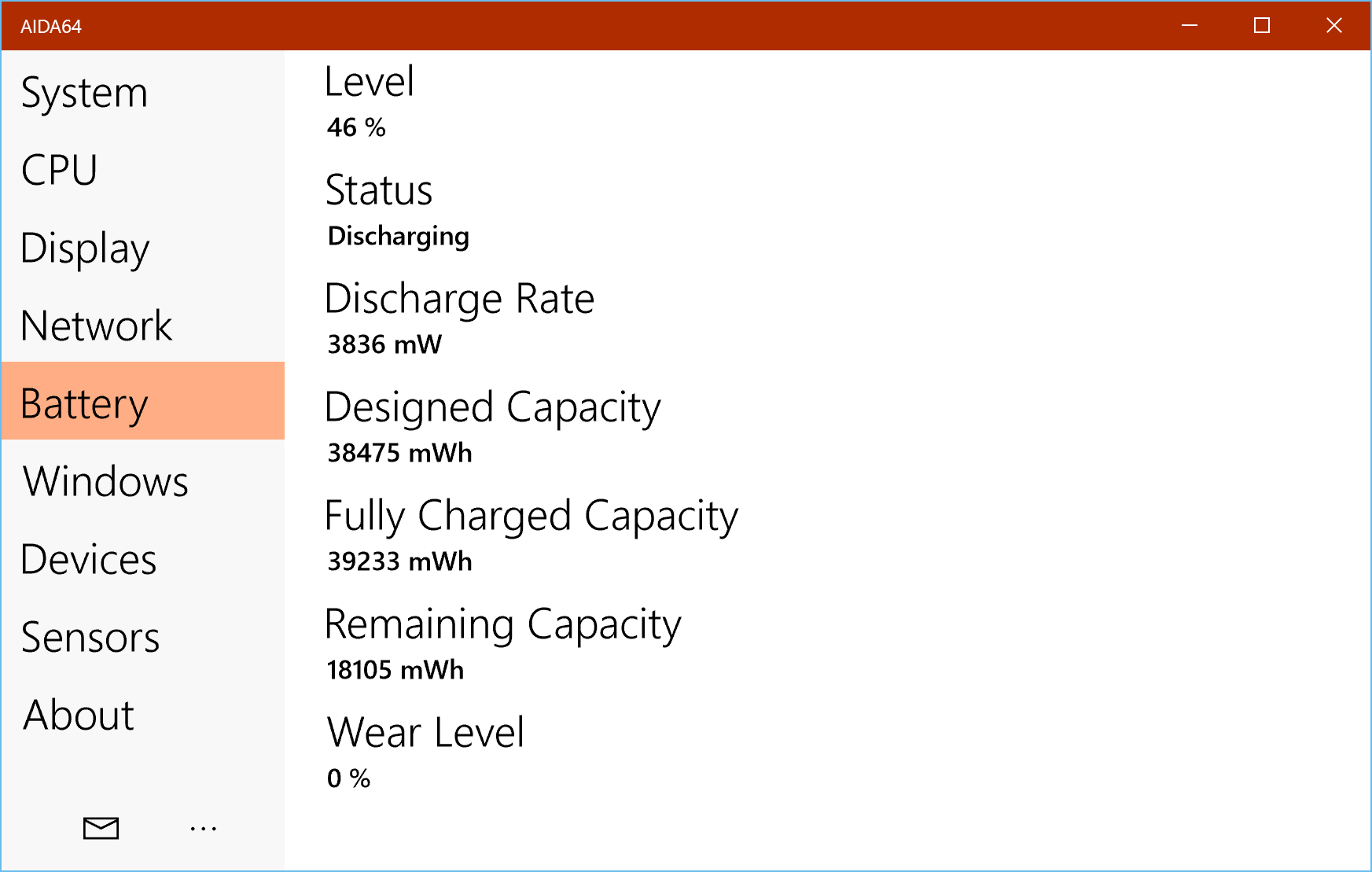
- Real-Time Sensor Polling: Monitor thermal sensors, battery health, and power levels dynamically.
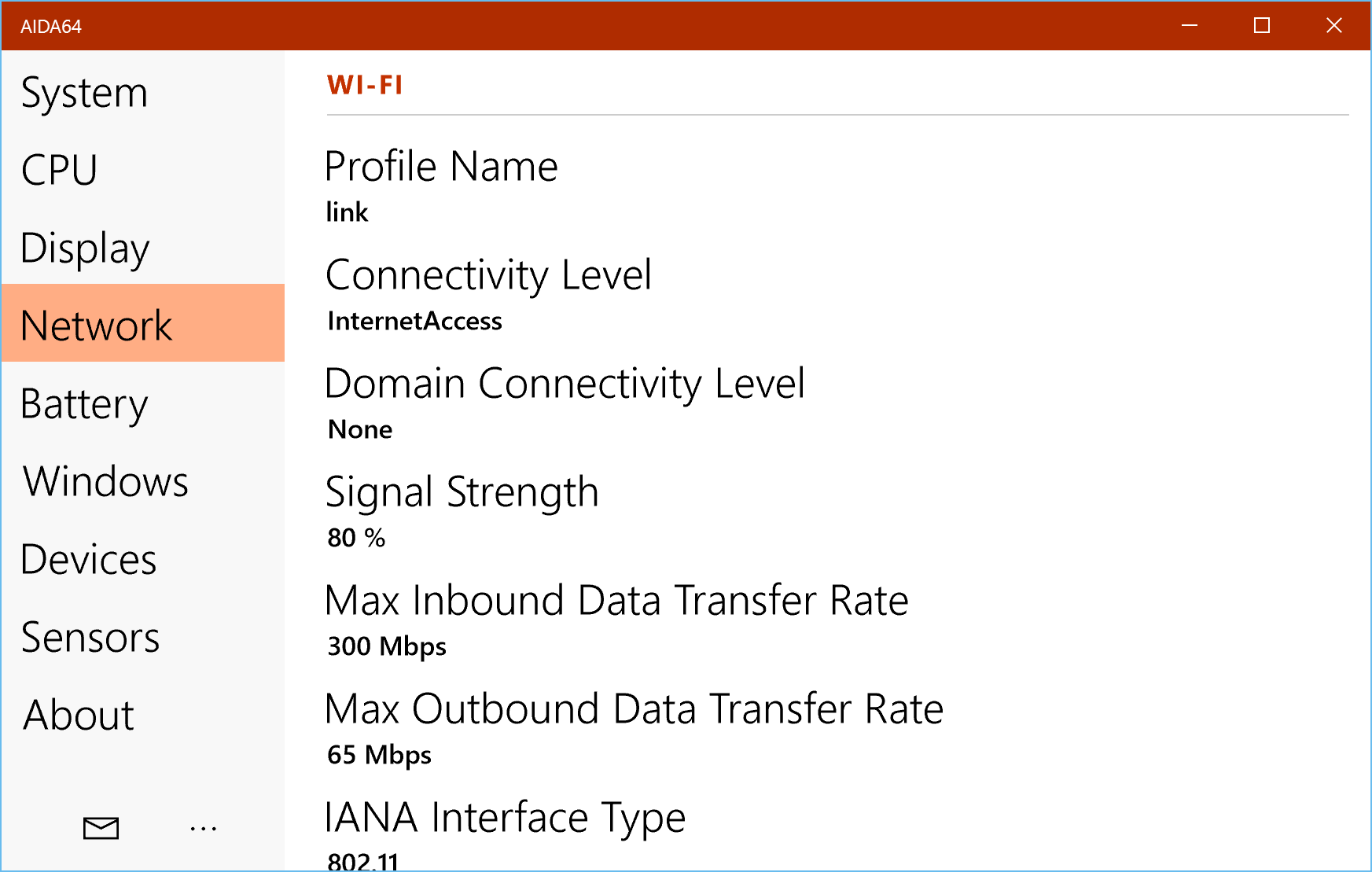
- Network Diagnostics: Get detailed readouts of your active Wi-Fi and cellular connection properties.
- Storage & Memory Allocation: Keep track of total RAM utilization alongside internal and external storage space.
- Graphics Capabilities: Access Direct3D GPU details to understand your system's rendering limits.
Who Is This Diagnostic Utility For?
Whether you are troubleshooting a sudden performance drop, verifying the components of a newly purchased device, or simply curious about your hardware limits, the AIDA64 system diagnostics utility provides the raw data you need. It strips away the guesswork, making it an essential companion for power users who demand transparency from their silicon.
Securing Your System Details
To deliver such granular reporting, the app requests specific, transparent permissions. For instance, it accesses your webcam solely to identify camera resolutions (without recording media) and requests storage permissions to calculate precise disk space. This straightforward approach ensures your data remains secure while giving you the technical insights you require.
If you are ready to explore your device's true specifications, head over to the official Microsoft Store to download the utility and audit your system today.
Rate the App
User Reviews




Popular Apps










Editor's Choice